Canariobeta
The terminal that thinks like a browser. Spaces, splits, a command bar, live tab previews and a summonable quick terminal, for macOS.
Canario is a Rio spin-off: a more modern take on the terminal, built on the same engine (librio). Same VT handling, same rendering core, same colors, wrapped in a browser-grade workflow.
beta · macOS 14+ · Apple silicon · free
See a tab before you switch to it
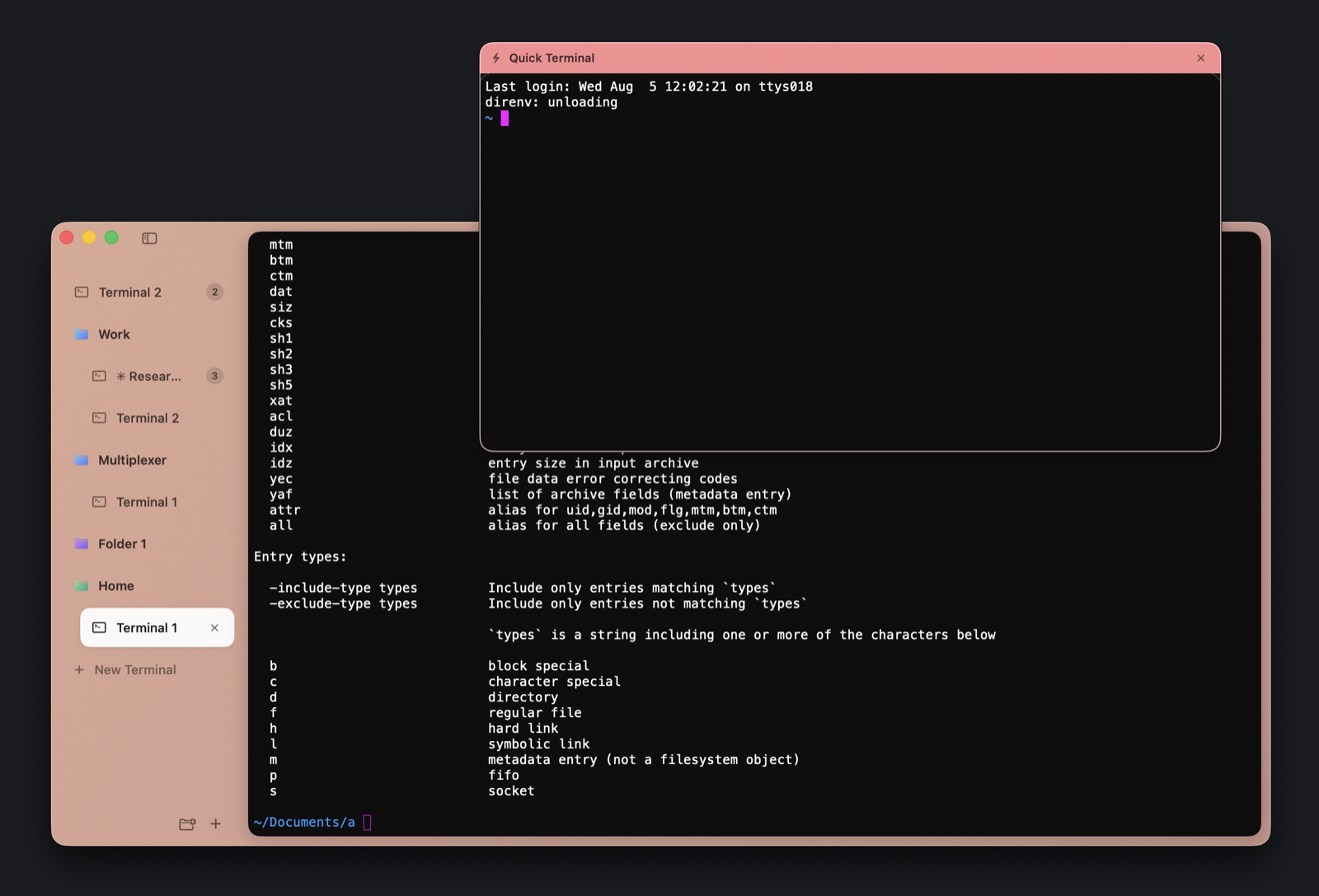
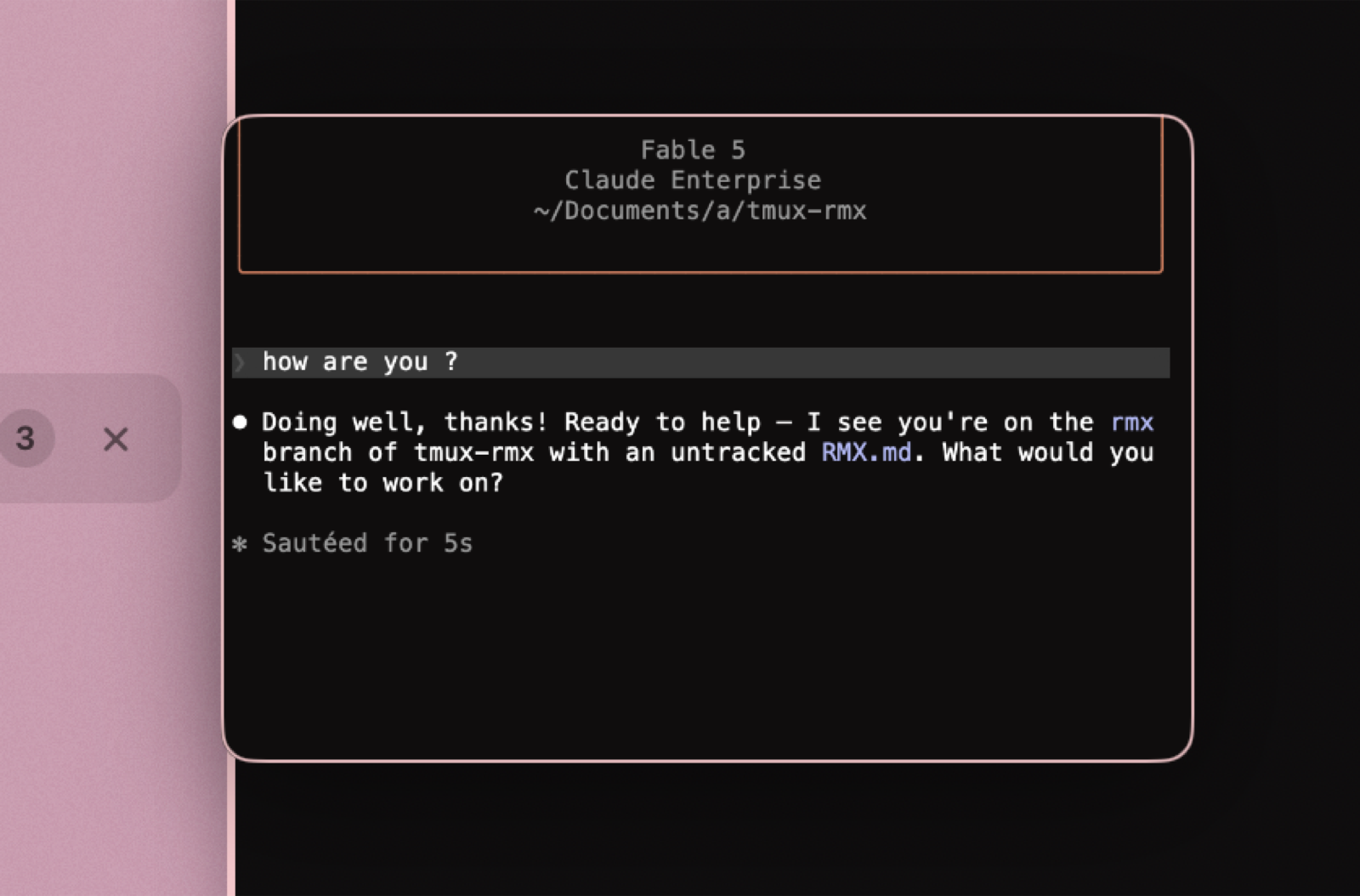
Hover any tab or pane in the sidebar and a live preview appears. Watch the build finish, check on the agent, confirm the prompt is back, all without leaving what you're doing.
Splits that keep up with real work
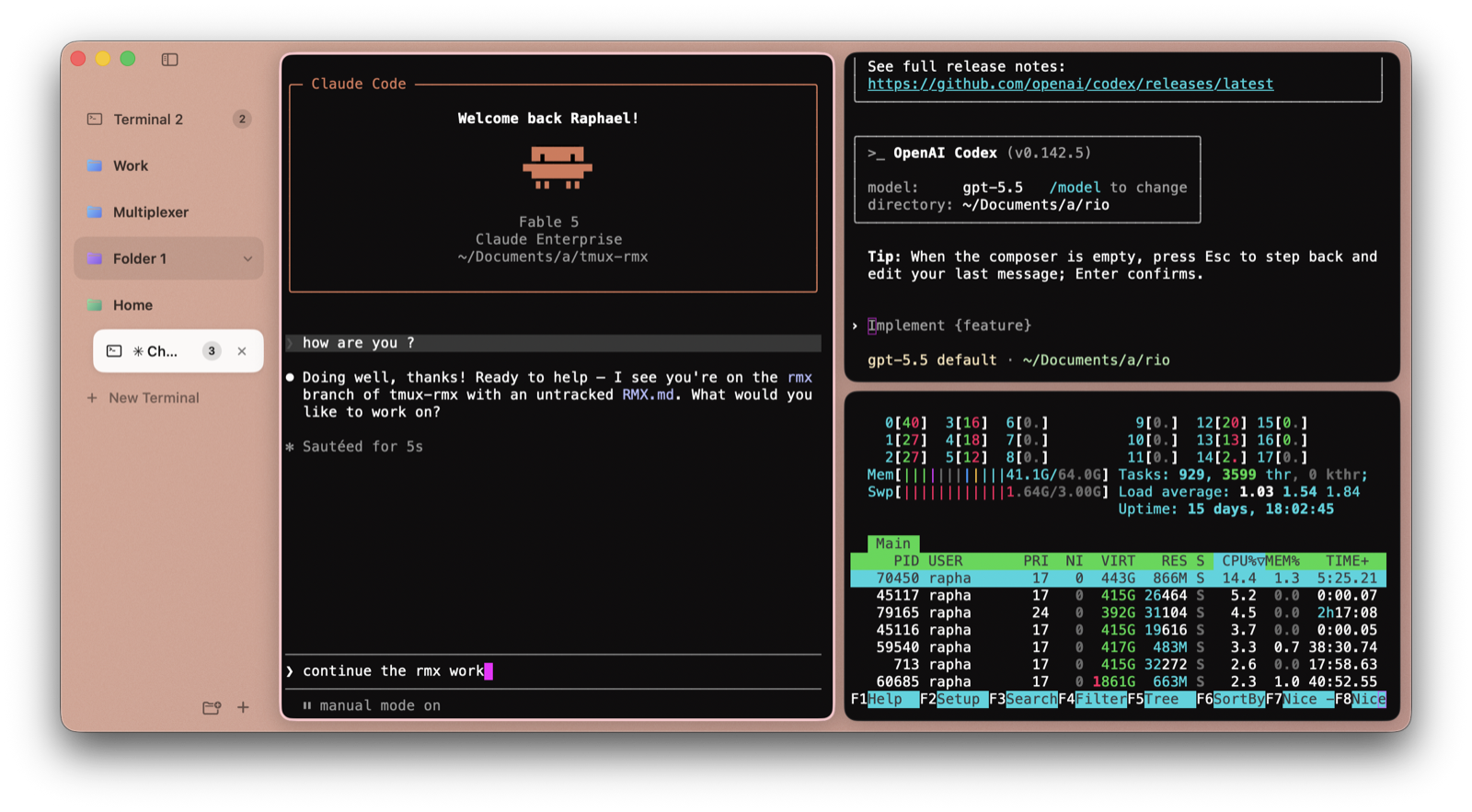
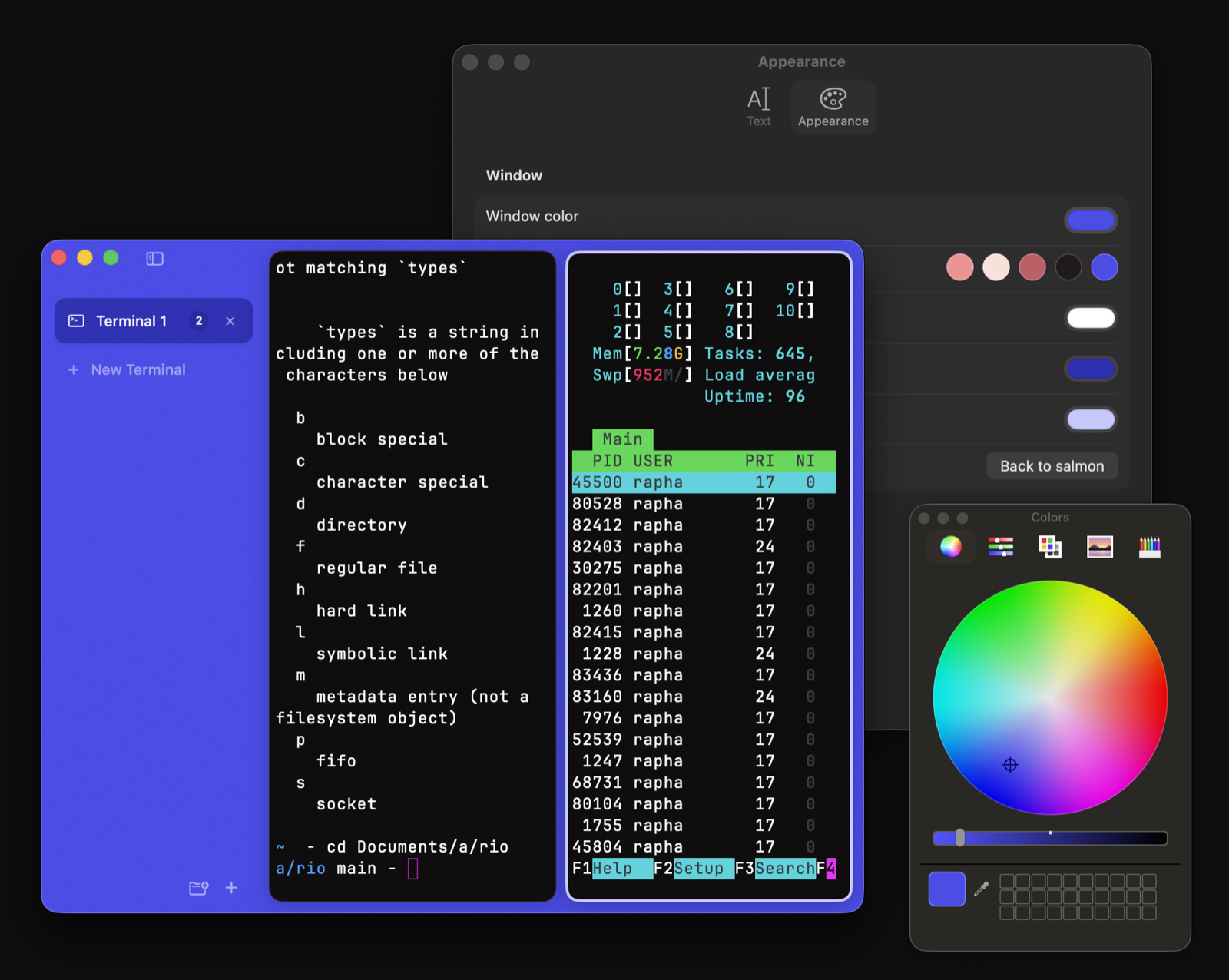
Columns and rows, resizable by feel. Run your agent, your editor and htop side by side. Each pane keeps its own working directory and comes back after a restart, scrollback included.
Every key, yours to change
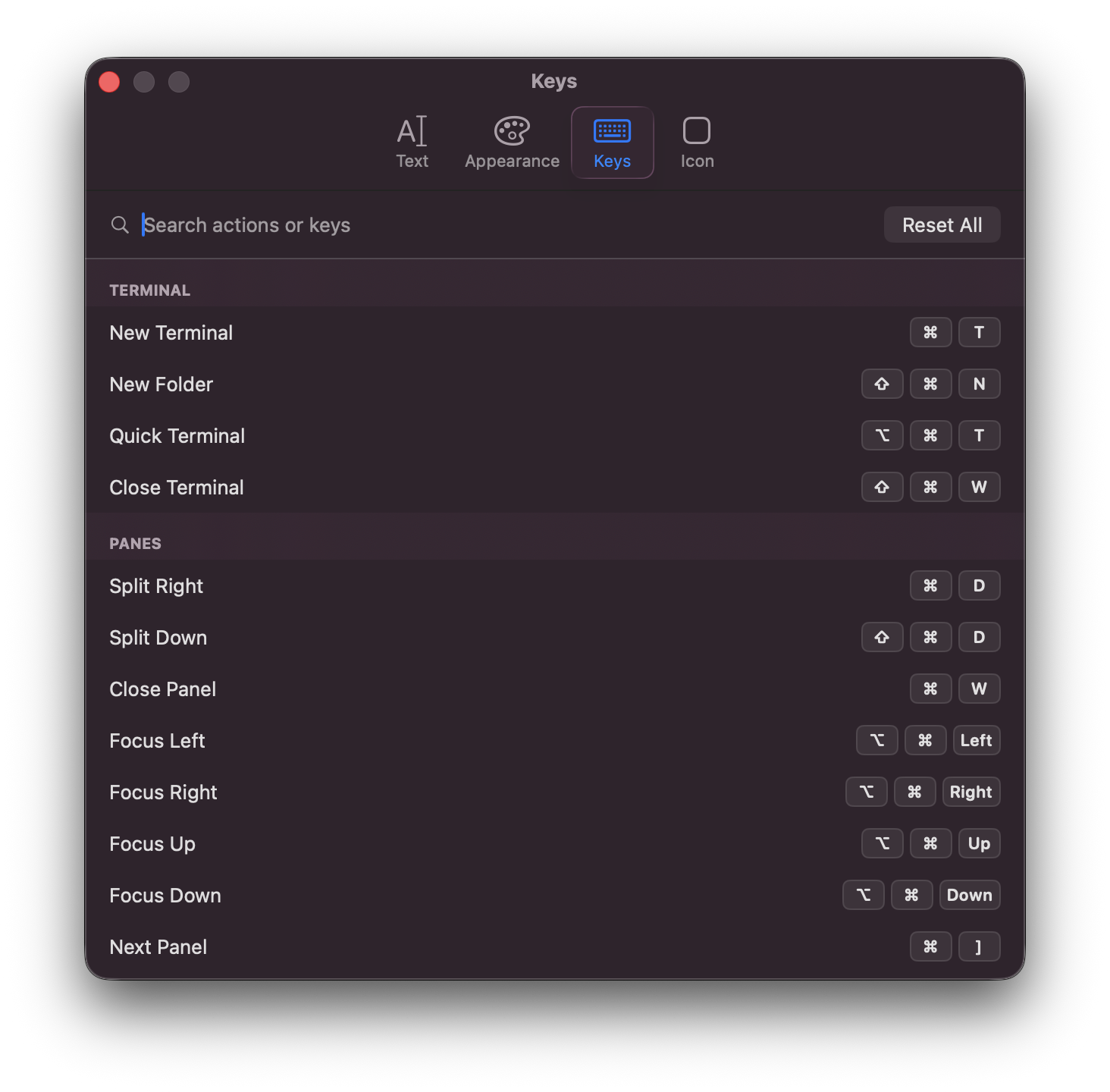
Every action lives in one searchable list, by name or by the key it sits on, so you can find out what already has ⌘D. Click a keycap, press the chord you want, and if something else owns it Canario names that action and offers to take it over instead of leaving two bindings to fight. Move between panes with ⌥⌘ and an arrow, or cycle them with ⌘[ and ⌘].
⌘K for everything
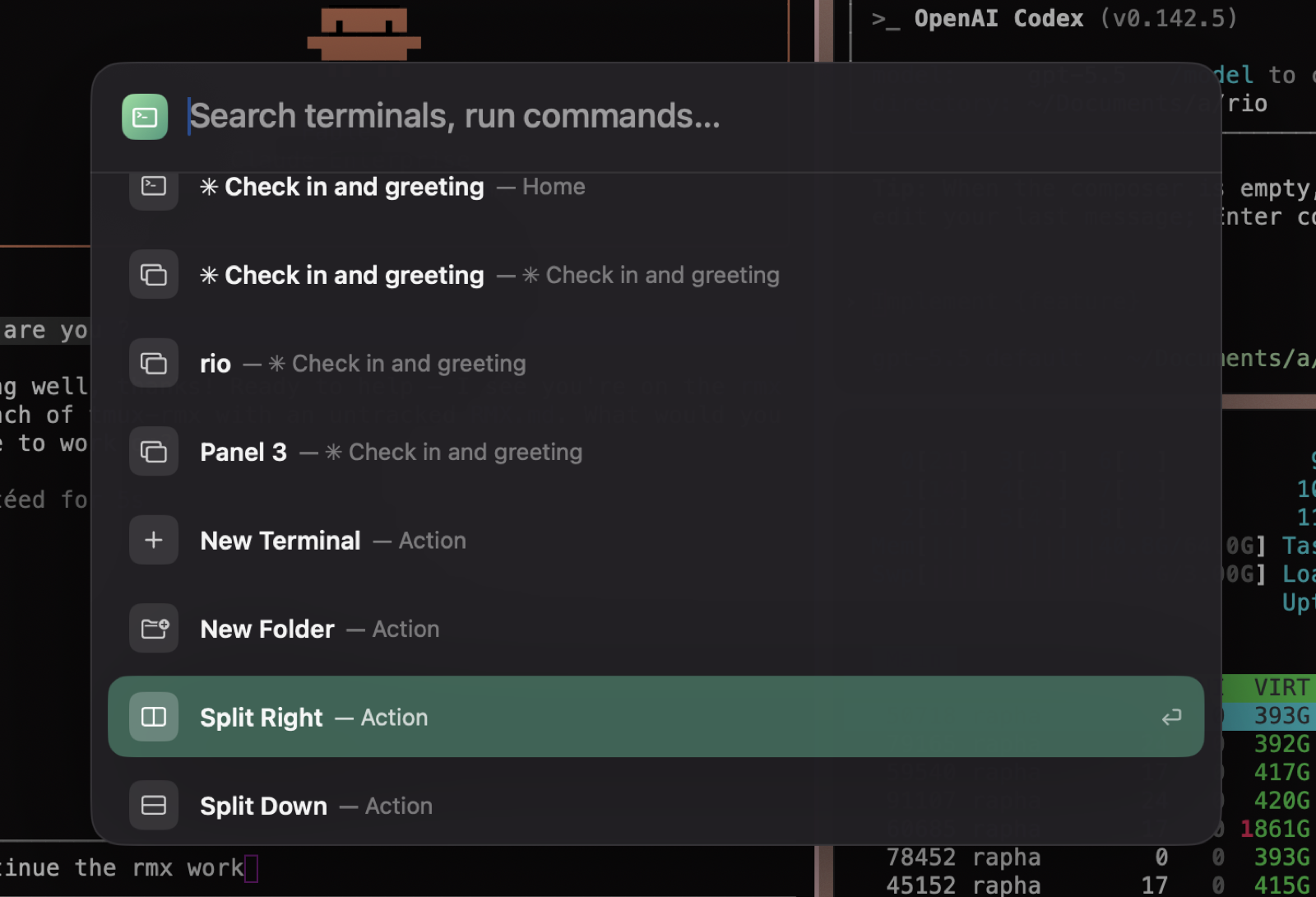
One input finds any terminal or pane by title, or runs a command: split, new tab, quick terminal, font size. Fuzzy-matched, keyboard first, tinted with your space's color.
Copy text out of any image
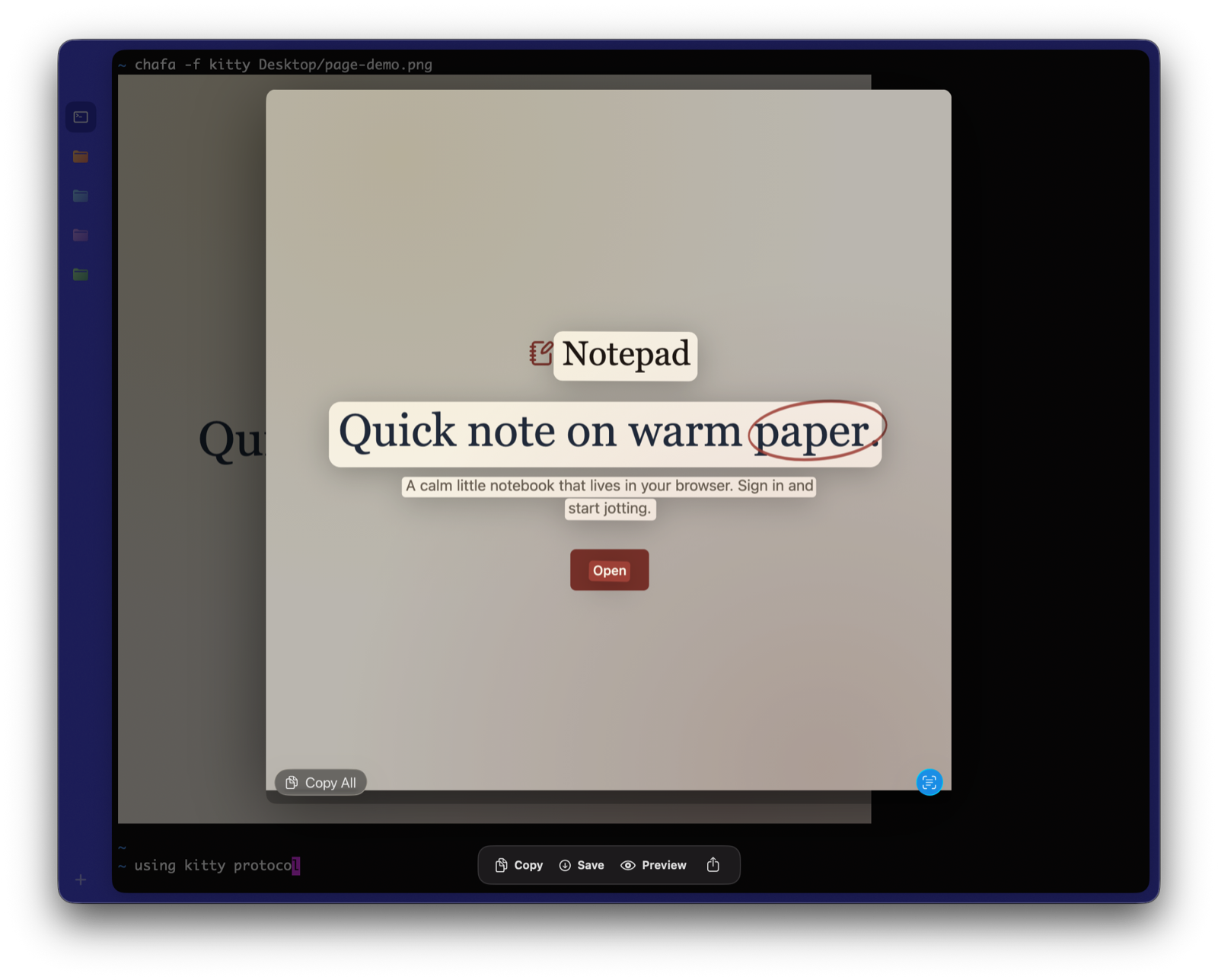
Images print in the terminal with the kitty graphics protocol, and clicking one opens it in a lightbox where Live Text runs on the pixels: select the text in a chart or a screenshot, copy it, scan the QR code a CLI just printed.
Drag an image anywhere
Any image in the terminal drags out as a real PNG: drop the chart into Slack, the screenshot into Figma, the diff into a chat with your agent. Right-click for copy, save and share.
Progress follows you out
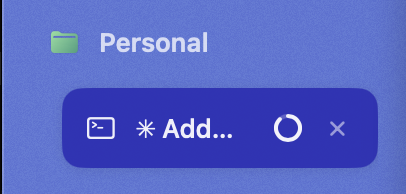
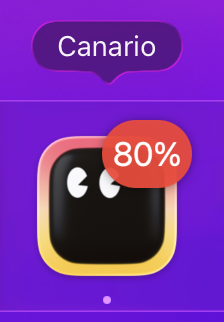
Long commands report progress with the OSC 9;4 sequence, and Canario carries it beyond the window: a spinner on the tab, a live percentage on the Dock icon, and a menu bar pill that jumps you back to the terminal when you click it.
Your agent knows how to reach you
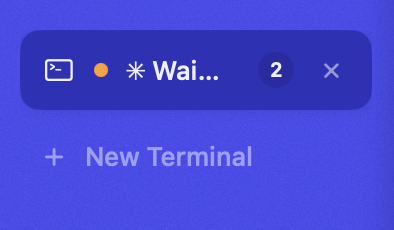
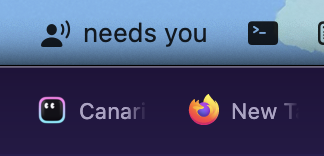
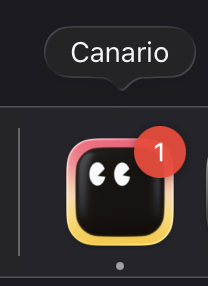
Kick off Claude Code, Codex or any agent and go do something else. The moment it finishes a task or stops to ask you something, the tab badges with a waiting count, the menu bar says needs you, and the Dock keeps score. One click on any of them drops you back at the right terminal.
Open a link without the mouse
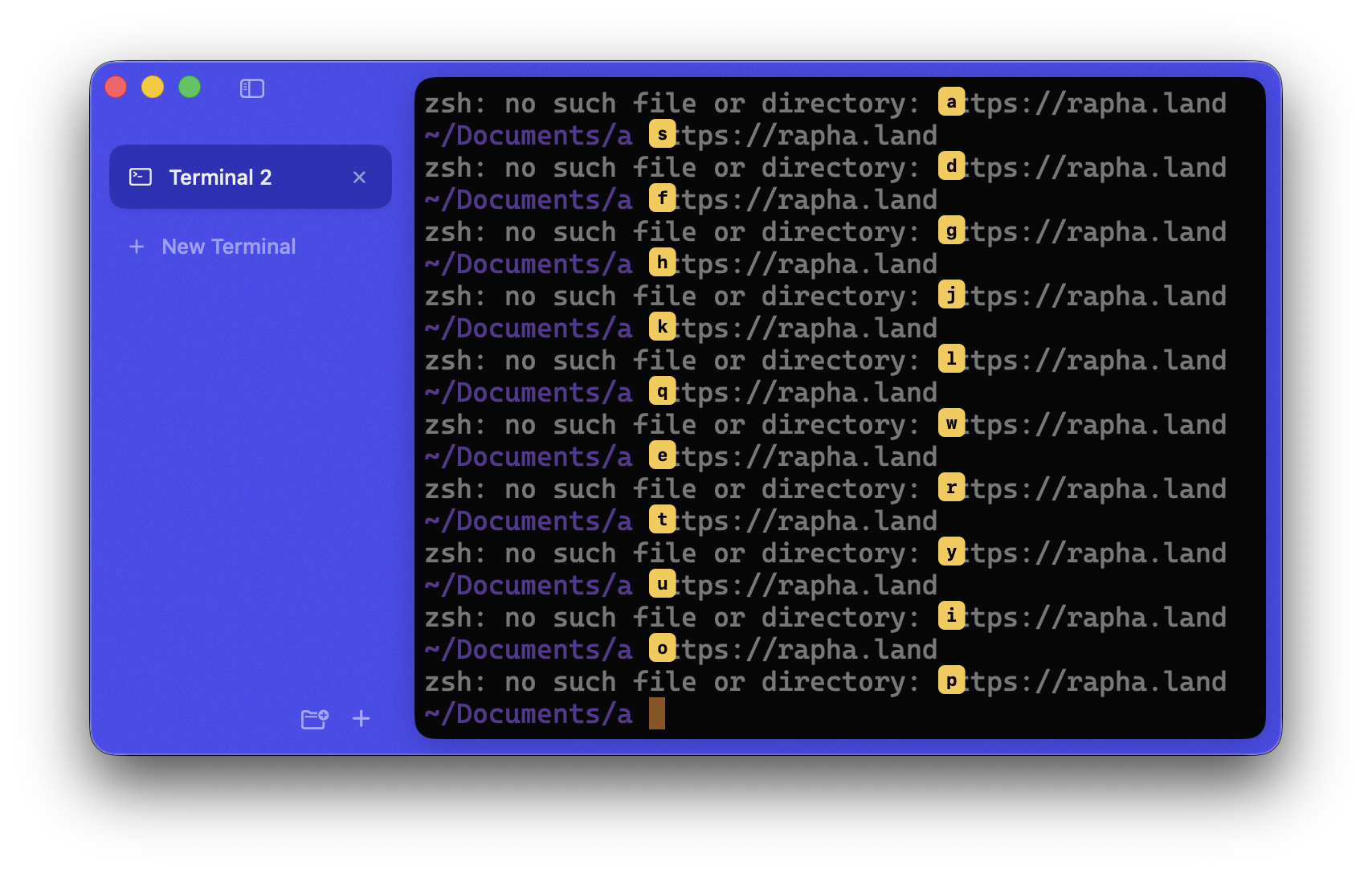
Press ⇧⌘U and every link on screen gets a letter from the home row. Type it and the link opens. Nothing to aim at, nothing to hover: the hand is already on the keyboard, which is the whole reason you are in a terminal. Escape backs out, and past twenty-six links the labels grow to two keys.
See where a link really goes
Hold ⌘ to underline the links in your scrollback and click to open one. Pause on a link and Canario shows the host it actually resolves to. A domain spelled with lookalike characters cannot hide: the card names the real destination and says so plainly. Output you did not write is the most common place to meet a URL you should not trust.

A URL scheme for your shell
Deep links, like the launchers have. Raycast, Shortcuts, other apps and plain hyperlinks can summon the quick terminal, open a space, jump to a session or run a command. Commands always confirm before they execute, with the exact command shown.
$ open "canario://quick$ open "canario://new?space=Work&cwd=~/api$ open "canario://terminal?title=htop$ open "canario://run?cmd=cargo+test
Breakpoints for your output
Select any text and watch for it. When it next appears in the output, the tab badges with a hit count and the Dock asks for attention. Tail the log, walk away, and know the moment the error shows up.
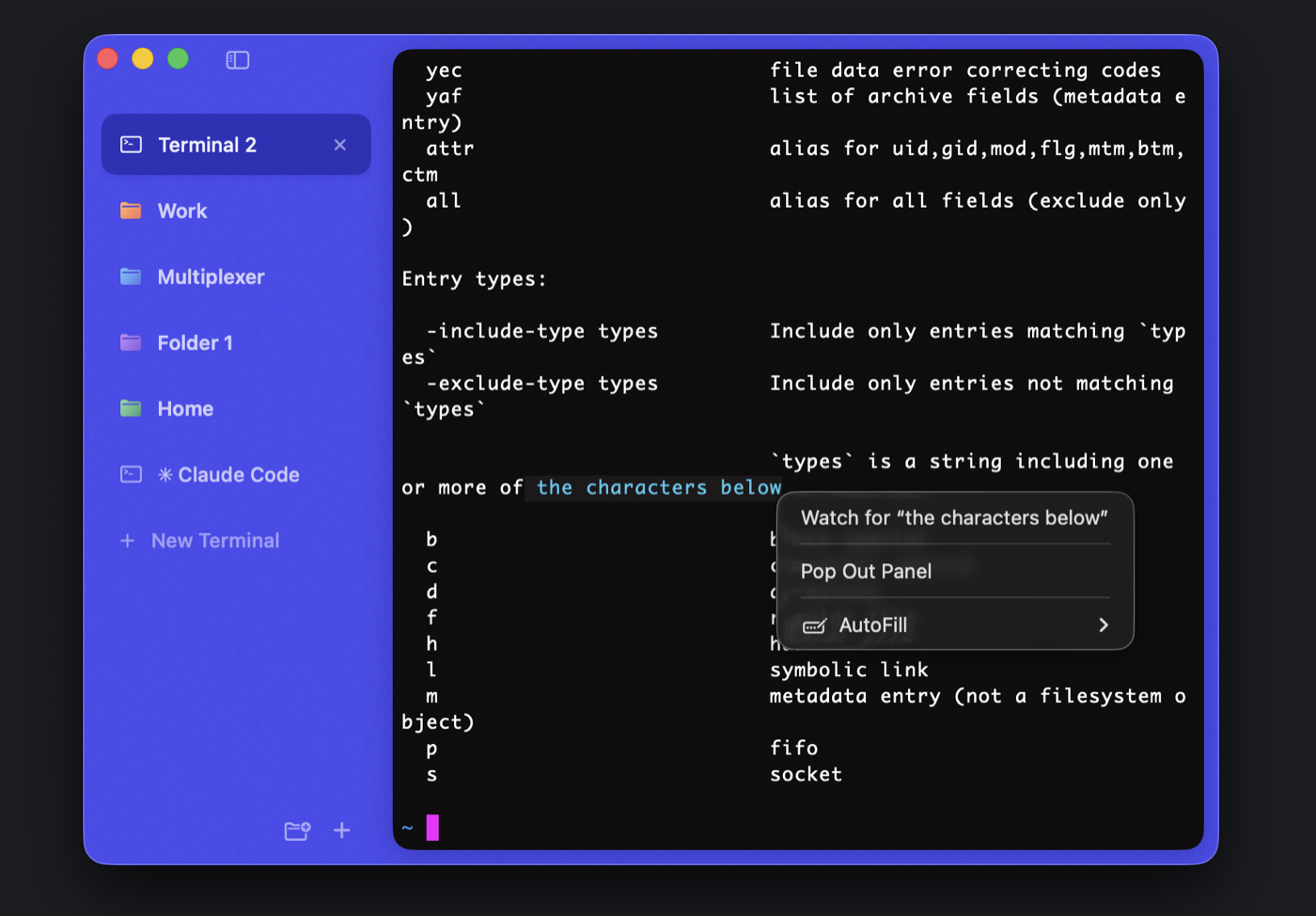
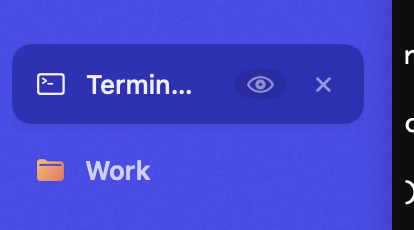
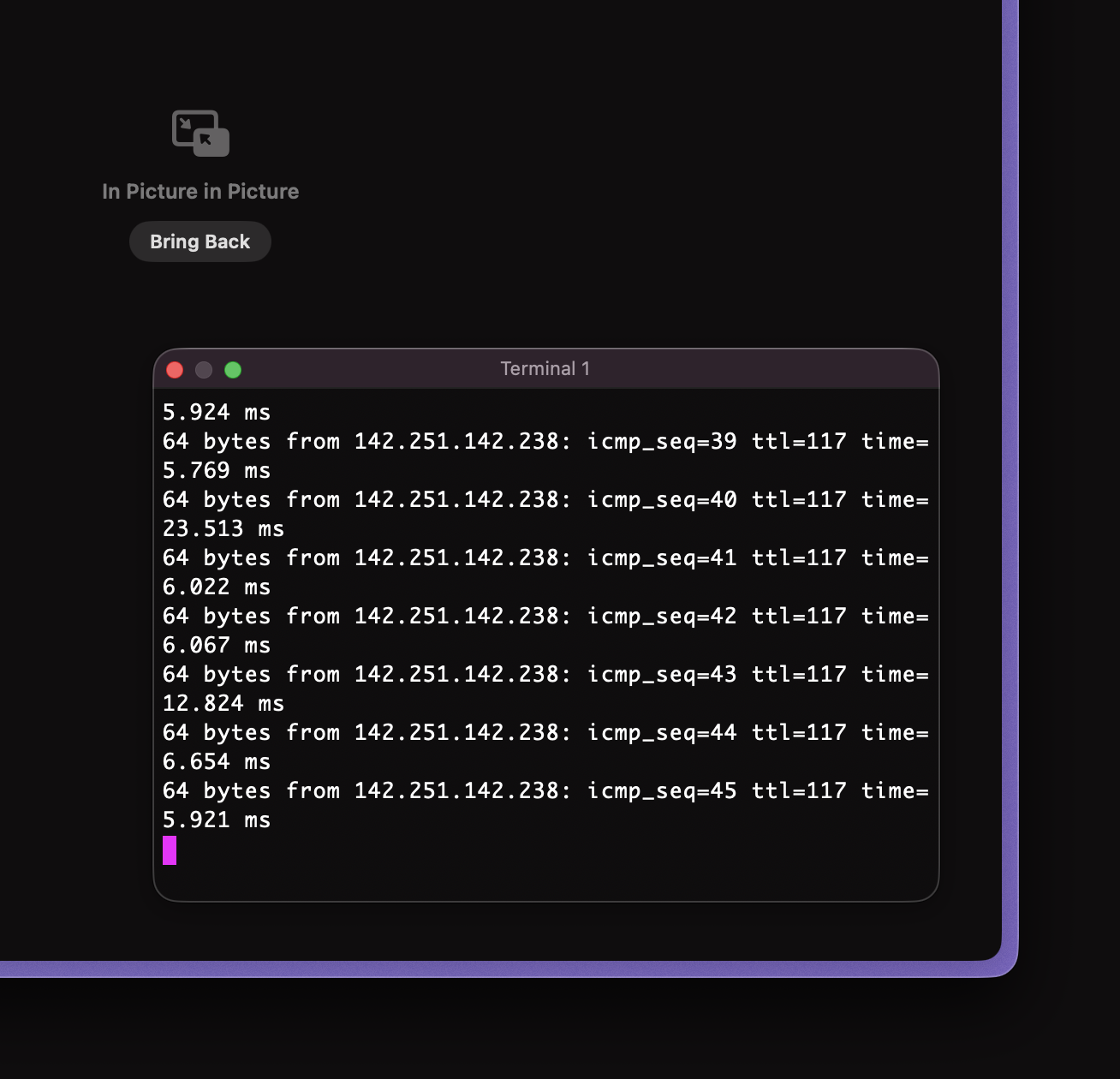
Picture in picture, for panes
Pop a running pane out into a small always-on-top panel, the way videos pop out of a browser. Watch the deploy from any app; close the panel and the pane slides back into its tab.
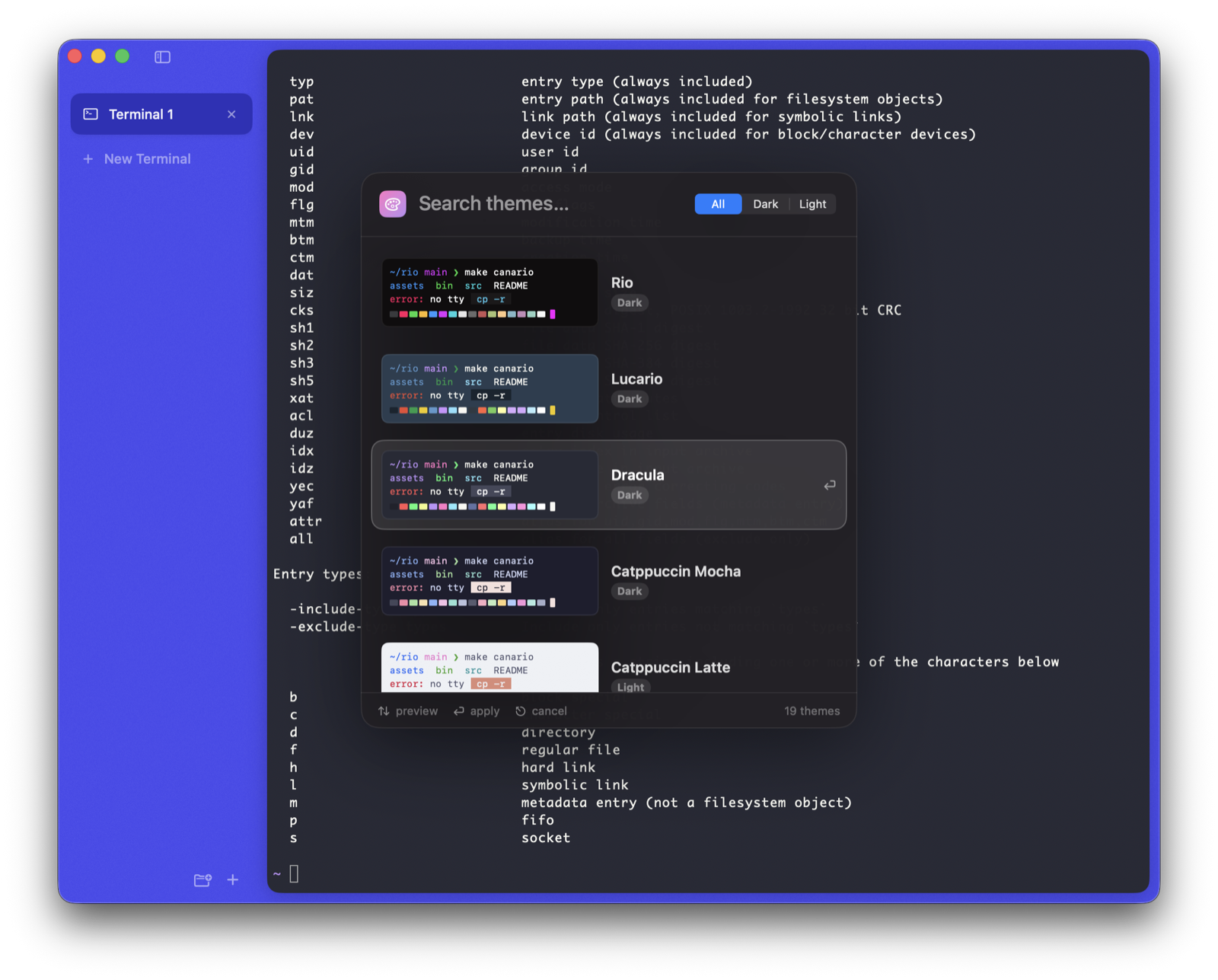
Every classic theme, previewed live
Dracula, Catppuccin, Nord, Solarized, Tokyo Night, Lucario: every card a mini terminal rendered from the scheme's real colors. Arrow through the list and the whole app recolors as you move. Enter keeps it, Esc puts everything back.
Your terminal, your colors
Window, text, selection and borders: pick each one, or grab a whole preset in a click. Fonts too, with every monospace family previewed in itself. Everything applies live and stays put.
Borrowed from browsers. Built for the shell.
⌘1Spaces
Group terminals into folders with their own color. Jump with ⌘1–9; the whole window tints to match where you are.
⚡︎Quick terminal
A floating shell over everything, summoned with ⌥⌘T from any app. Run the thing, click away, gone.
↻Session restore
Quit and relaunch into the same tree: folders, splits, scrollback, and every pane's working directory.
✈Auto-filing
Route new terminals into the right space by their working directory. Air traffic control for your shells.
🎨Rio's engine
Rendering and palette come from Rio's terminal core: the same VT handling, the same look, the classic themes built in.
🖼Image protocols
Kitty graphics, Sixel and iTerm2 images render right in the grid, from chafa, icat, yazi and friends.